
Cook with
what you have.
Pick what’s in your kitchen and find recipes that use every ingredient you chose.
See how it works
From fridge
to dinner
Start with what’s in your fridge or pantry.
-
Pick ingredients
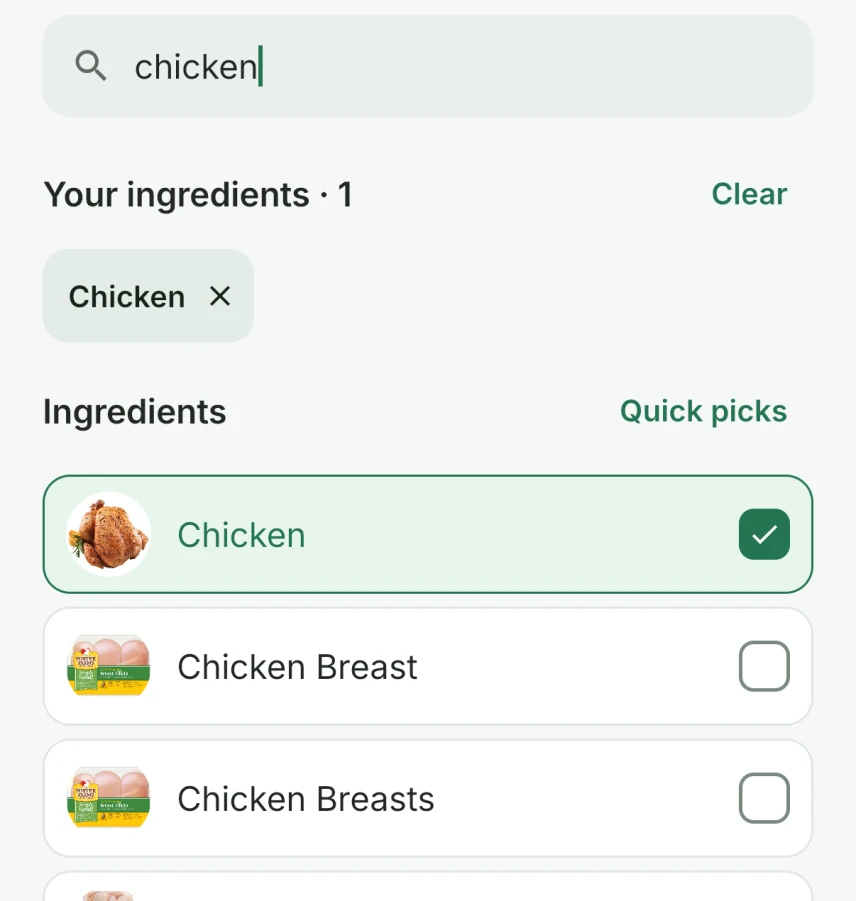
Search for Chicken and tap it to add it to your ingredients.
-
Find your matches
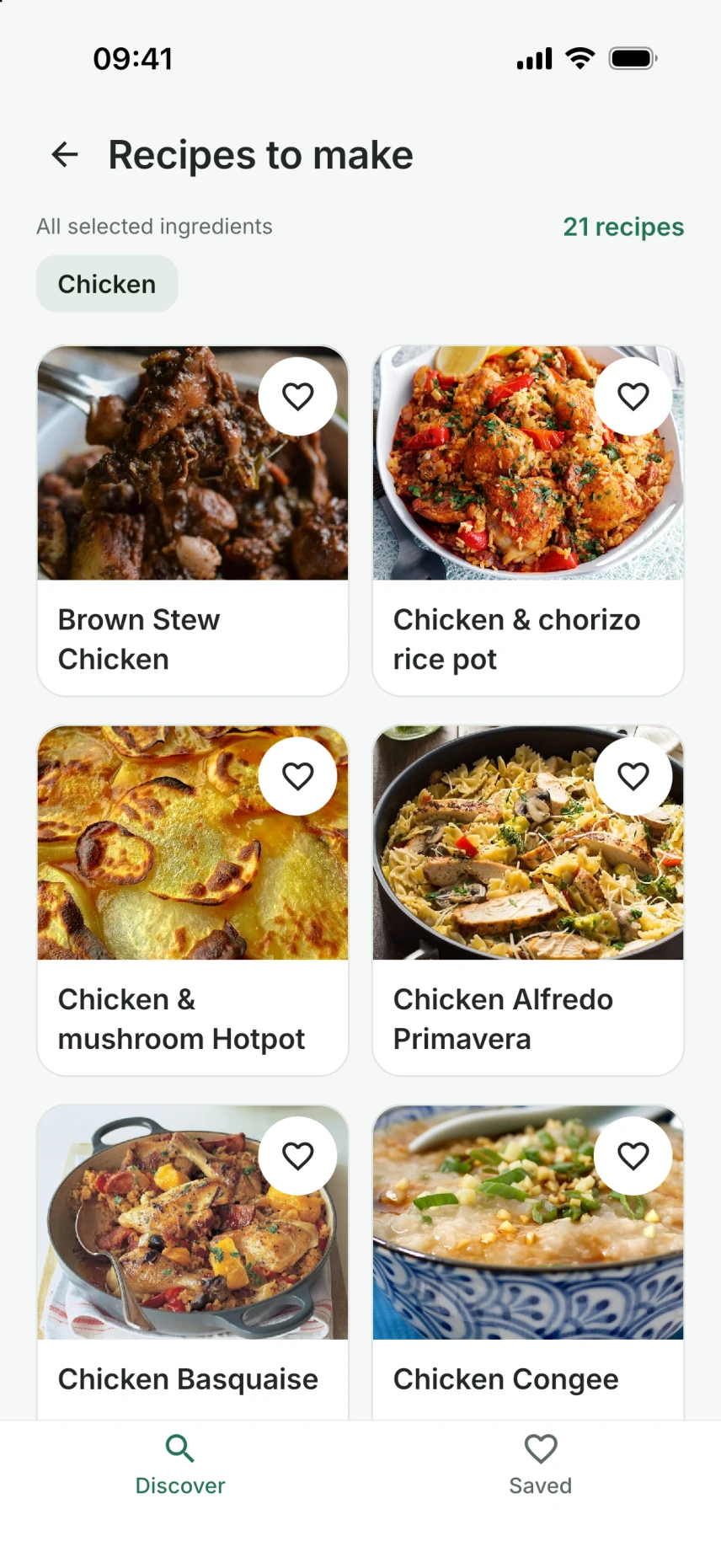
Tap Find recipes to see meals that use chicken.
-
Open a recipe
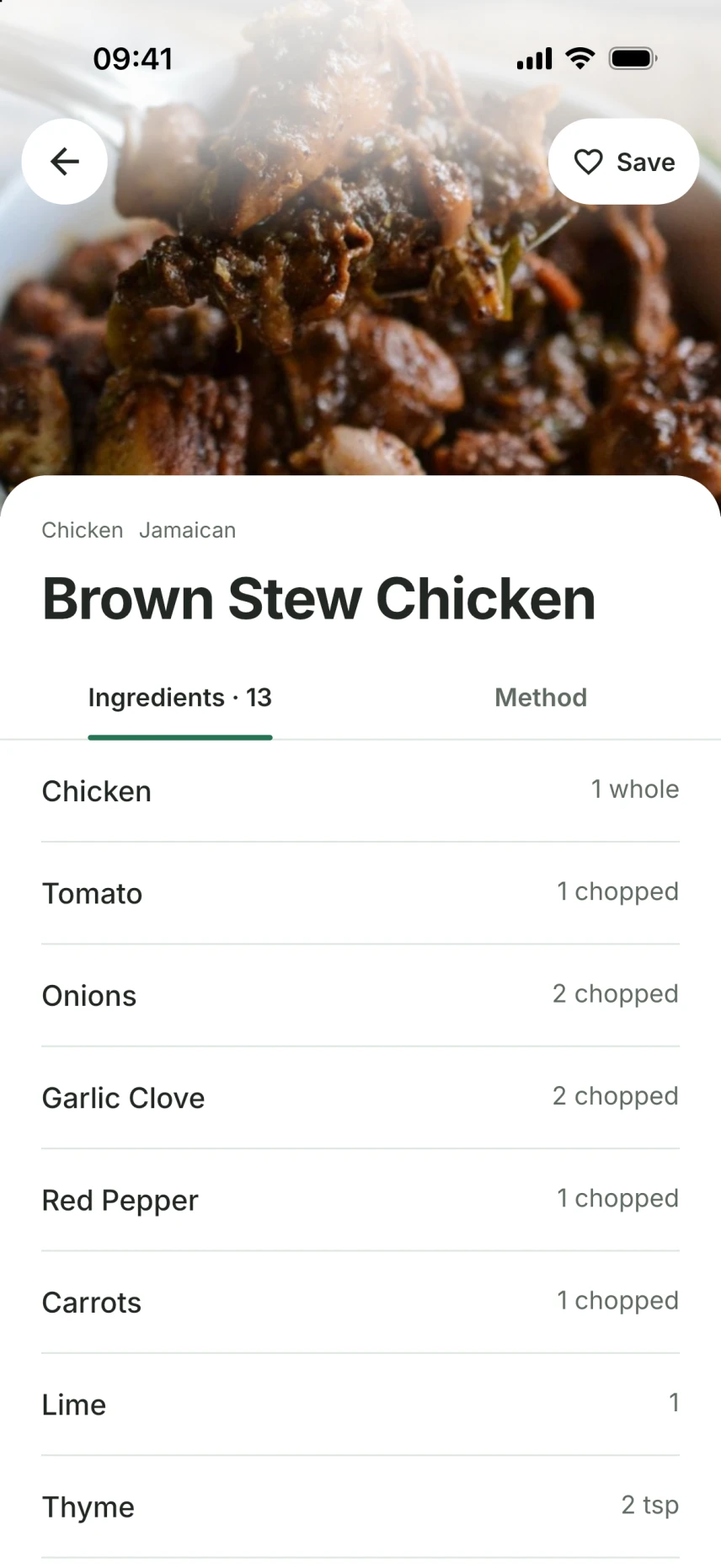
Open Brown Stew Chicken to check quantities and see what else you’ll need.
Cook at your pace
Read ahead, cook one part at a time, or save a recipe for another night.
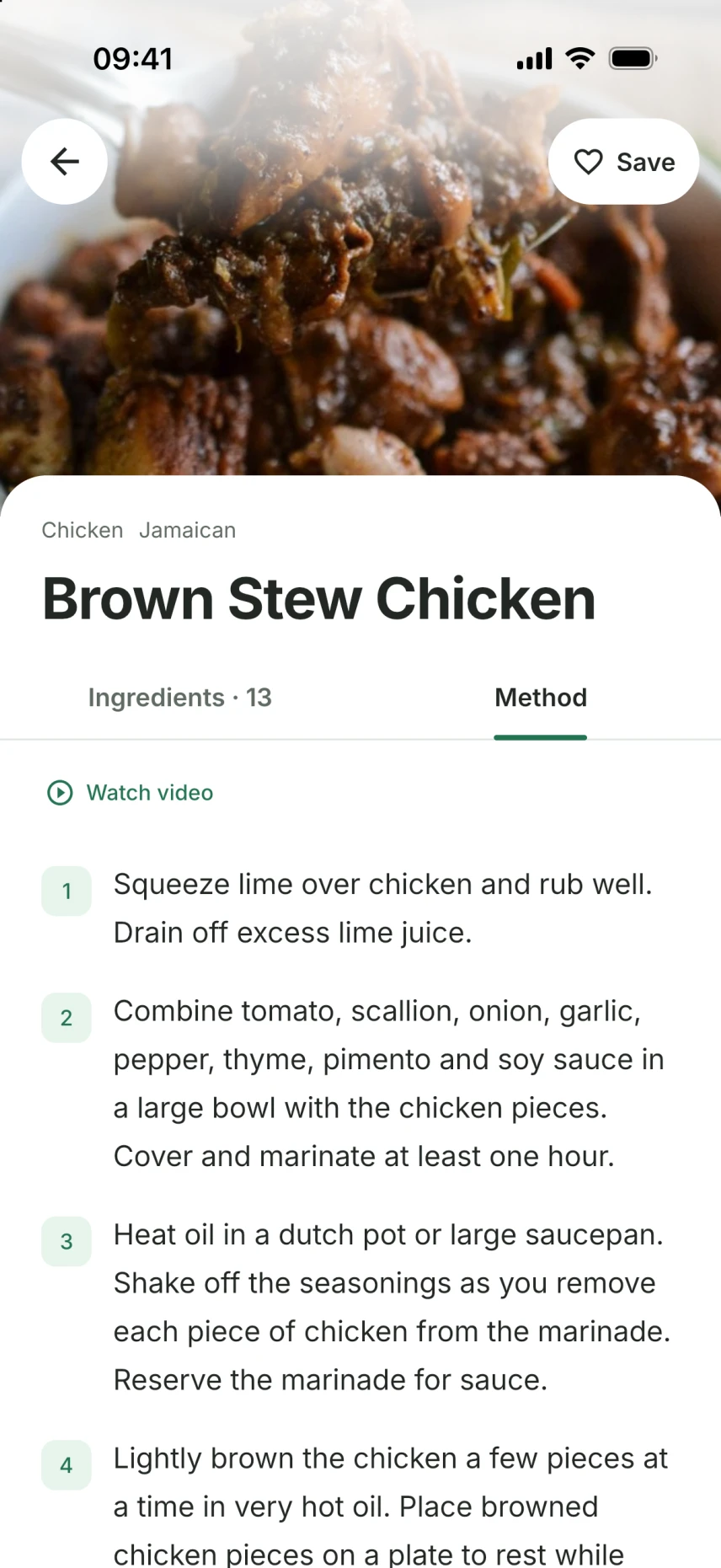
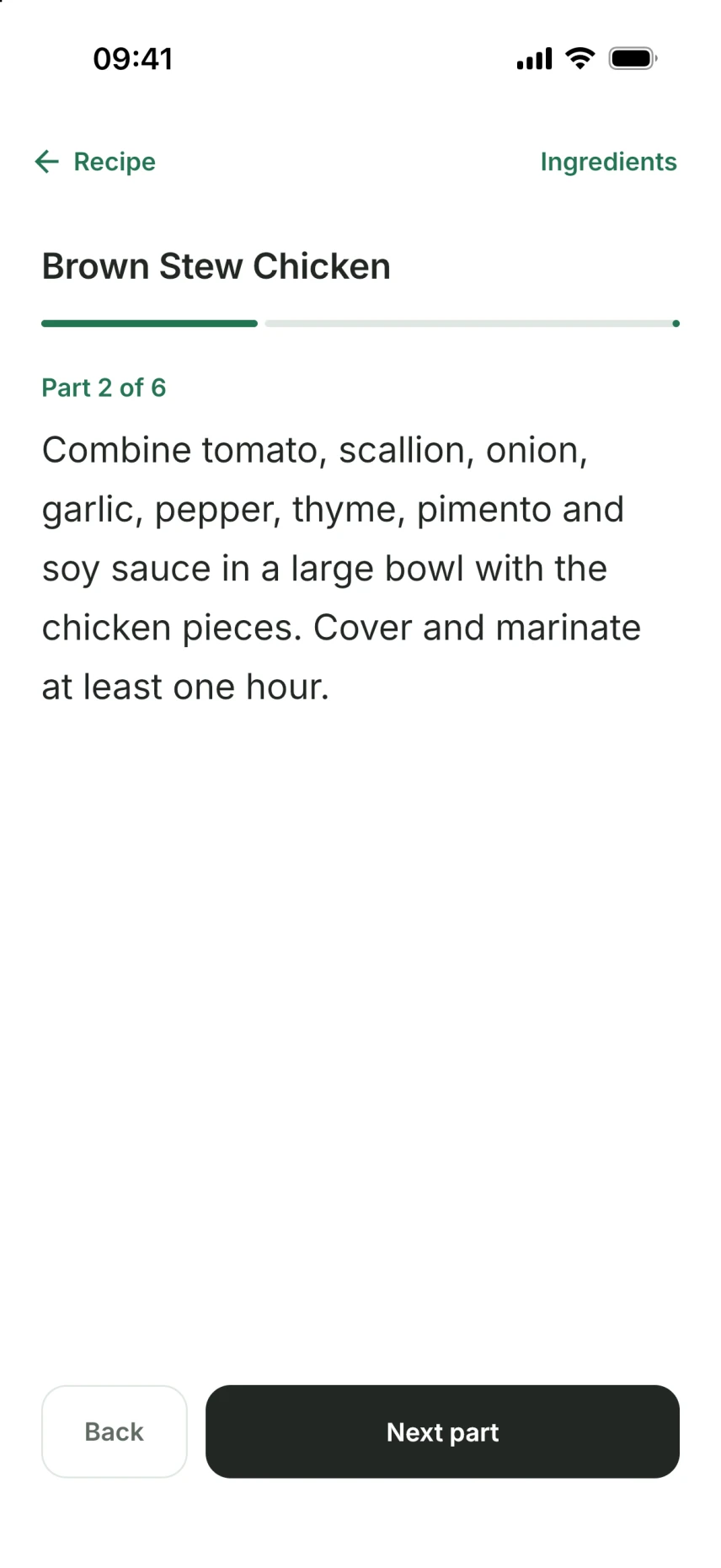
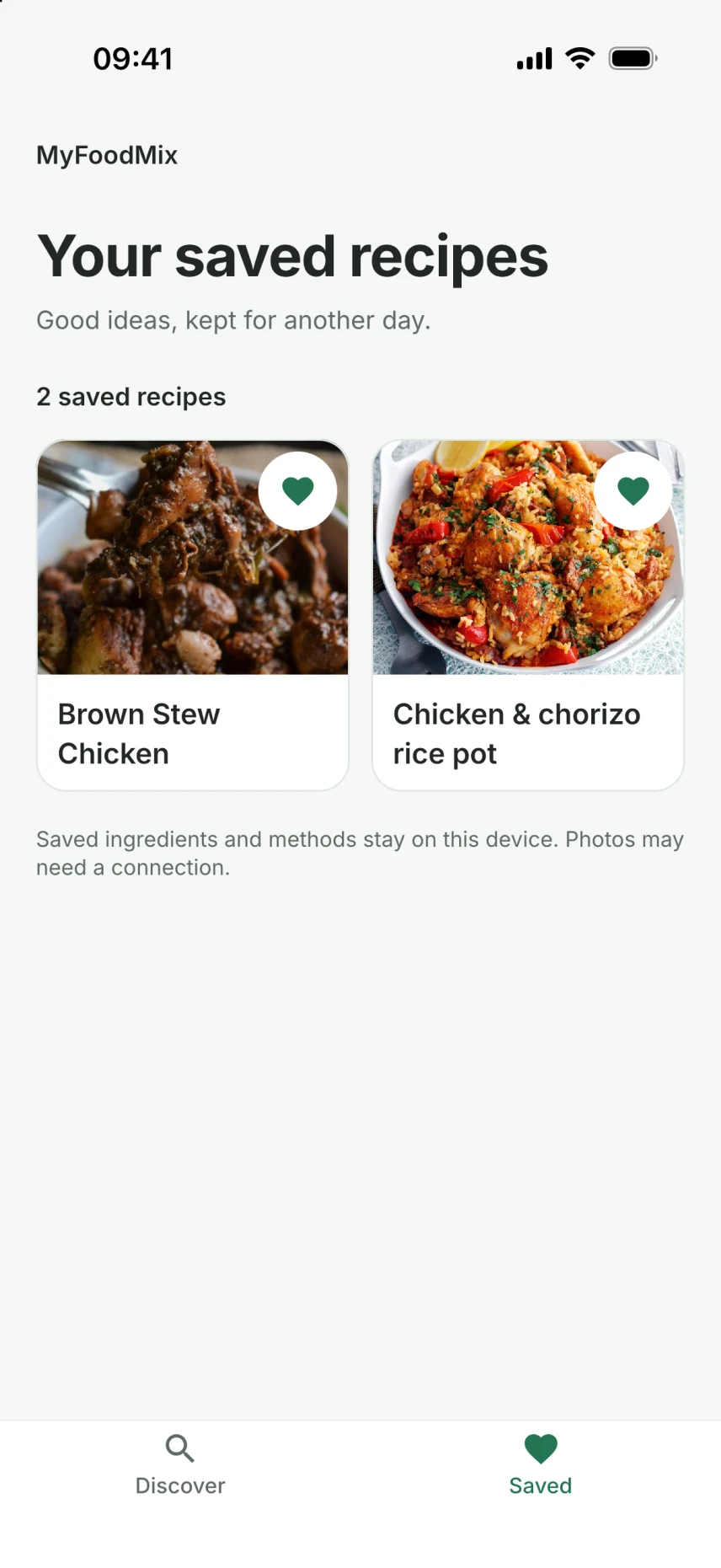
Photo scanning
is next
In a future update, you’ll be able to take a photo of the ingredients on your counter.
Review the suggestions, correct anything the app missed, then add your picks to find recipes.